VM_Attributes

VM_Attributes is a powerful yet intuitive system that allows you to instantly organize and streamline your Unity Inspector. You no longer need to waste precious development time writing and maintaining cumbersome Custom Editor scripts. With our library, you can easily structure and visualize data in the Inspector exactly how you and your team need it for maximum convenience and workflow speed.

This asset is for anyone who wants to:

  • Avoid writing Custom Editor scripts
  • Quickly set up the visual layout of components
  • Focus on code and functionality rather than UI design
  • Make their life easier when working with scripts
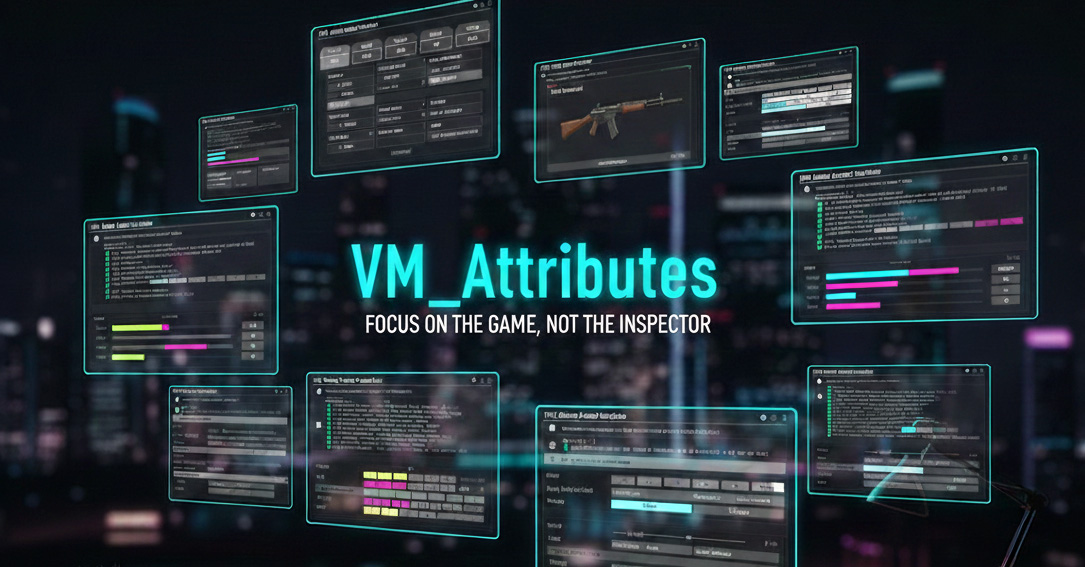
VM_Attributes Cover
Overview video of VM_Attributes
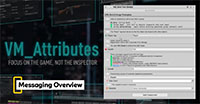
Overview video of Messaging attributes
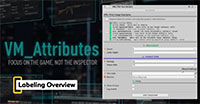
Overview video of Labeling attributes
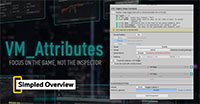
Overview video of Simpled attributes
Overview video of Objects attributes
Overview video of Localized attributes
Overview video of Nested attributes
Overview video of Collections attributes
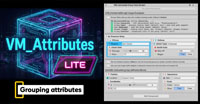
Overview video of Grouping attributes
Overview video of Access attributes
Overview video of Conditions attributes
Overview video of Validators attributes
Overview video of Methods attributes
Overview video of Miscellaneous attributes
Overview video of Script-wide attributes

Thoughtful Architecture

At the core of the system lies a robust, professionally designed architecture. The very first release already includes over 80 ready-to-use building-block attributes, and the library will be continuously updated with new tools in the future. Because the author of the library is an active game developer, this toolset was forged from real-world needs: it includes only the most useful, practical, and frequently used attributes in day-to-day development. Simply add the desired attribute to a variable in your code, and your Inspector interface will transform in a fraction of a second.

Quick Start

📖 Online Documentation

Every attribute comes with a detailed written description, plenty of code examples, and a video demonstration of it in action. We cover every nuance and parameter option in depth, so you're never left with a blind spot.

Online Documentation

🖥️ Preview Window

A dedicated Unity Editor window you can open anytime for a quick reference. It presents every available attribute in a single list, complete with detailed descriptions, interactive live examples, and ready-to-use code snippets you can copy straight into your project.

🎬 Demo Scene

Every example shown in the documentation and the interactive preview window is taken from a ready-made demo scene included in the package. Open it and test each attribute live, right in the Inspector, to see how it responds to changes.

Two Types of Attributes

🧩 Class-level Attributes

  • Attributes that apply preset styling to the script's overall look in the Inspector — background color, custom headers, icons, and startup logos.
  • A class-wide context menu for quickly triggering custom actions, such as initializing fields, running calculations, and so on.

🛠️ Field- and Method-level Attributes

  • Over 80 attributes for conveniently organizing your data or implementing your own algorithms.
  • 13 logical categories that keep every attribute easy to find.

Absolutely Transparent Licensing

Unlike other popular solutions on the market, VM_Attributes is distributed under the Standard Unity Asset Store License. We firmly believe that the tools you purchase from us shouldn't tax your success.
Buy the tool once and use it without limits!

💰 Completely Independent of Your Revenue

Whether your game makes $100 or $1,000,000 — the terms remain exactly the same.

📈 Free of Funding Restrictions

Perfectly suited for both indie startups and heavily funded studios.

🏢 No Corporate Subscriptions

No hidden conditions or forced upgrades to Enterprise tiers when you hit a certain revenue threshold.